
Arsvita Laser Lens Cleaner Disc ARCD-02
4.1Editor score
Two-brush lens cleaning
Includes disc cleaning fluid
Microfiber cloth included
Discover the best CD and DVD player cleaner options, comparing lens-cleaning discs, cleaning wipes, compatibility, maintenance methods, and included accessories
A CD and DVD player cleaner can remove dust and debris from an optical pickup, helping restore steadier playback when discs load slowly, skip, freeze, or produce distorted sound and video. A useful cleaner should match your device, explain its cleaning method clearly, and include everything needed for convenient maintenance.
This guide compares ten maintenance products selected for CD, DVD, VCD, Blu-ray, computer drive, and compatible game-console applications. The comparison considers cleaning technique, stated compatibility, included accessories, ease of use, suitability for routine disc care, and the ability to address common playback problems associated with dirty laser lenses.
Each review explains the product's strongest feature, practical limitations, and ideal buyer, while the comparison table makes compatibility differences easier to scan. Ratings and product details reflect the supplied listings, availability can change, and current listings should be checked before purchasing.
4.1Editor score

4.3Editor score
4.3Editor score
This side-by-side comparison highlights each cleaner's purpose, cleaning mechanism, device compatibility, and supplied accessories so readers can distinguish player-lens maintenance from routine disc cleaning.




The Arsvita ARCD-04 is a laser-lens cleaning disc rated 4.3, offering a more complete maintenance package than many competing discs. It combines a two-brush cleaning process with two bottles of disc cleaning fluid, a microfiber-style glasses cloth, an instruction manual, and an after-sales card.
We may earn a commission when you buy through this link, at no additional cost to you.
Its main strength is the combination of player-lens and disc-care supplies in one package. The two brushes are intended to remove dust and dirt deposits that can contribute to slow loading, skipped playback, freezing, and distorted audio or video. The included fluid and cloth can also be used for routine disc maintenance, giving the package more flexibility than a lens-only disc.
Compatibility is the main constraint. The listing states that it is intended for CD, VCD, and DVD players but not PS1, PS2, PS3, PS4, Xbox, Xbox 360, Xbox One, Xbox X, Wii, Wii U, or Bose players. Owners of a modern console should not interpret a general reference to a disc player as permission to use the disc in a console.
This is a strong choice for someone who owns a dedicated optical-disc player and wants both a lens cleaner and basic supplies for cleaning the discs themselves. It is less appropriate for console owners or for anyone seeking a dedicated system that can clean individual discs without opening the player.
The two included bottles of cleaning fluid make this package especially convenient for households that want to maintain both the player and its media. The supplied cloth adds a simple way to wipe discs, although the product should not be confused with a dedicated disc-wipe system.
The two-brush approach is designed for optical pickups in compatible CD, VCD, and DVD players. Following the supplied directions and avoiding excluded game systems helps keep the cleaning routine focused and reduces the risk of using the disc where it is not supported.
We may earn a commission when you buy through this link, at no additional cost to you.
The Arsvita ARCD-02 is a 4.1-rated cleaning kit intended for CD, VCD, and DVD players. It pairs a two-brush laser-lens cleaning disc with a bottle of disc cleaning fluid, a glasses cloth, a user manual, and an after-sales card.
We may earn a commission when you buy through this link, at no additional cost to you.
The product addresses several familiar symptoms associated with a dirty optical pickup: slow loading, skipping, freezing, and audio or video dropouts. Its two-brush process is designed to lift dust and dirt from the lens, while the added fluid and cloth support routine care of the discs being played.
Like the ARCD-04, it is limited to the player categories named in its listing. PS1 through PS4 systems, Xbox consoles, Wii systems, and Bose players are expressly excluded. It is therefore a maintenance kit for conventional optical-disc players rather than a universal solution for every device that accepts a disc.
The ARCD-02 is a practical choice for budget-conscious buyers who want more than a bare cleaning disc. Buyers who need multiple fluid bottles or a longer guided program may find another option more suitable, but for standard CD, VCD, and DVD maintenance this kit covers the essential tasks.
The fluid bottle, cloth, and cleaning disc make this a convenient one-package solution for routine player and disc care. That convenience is valuable for owners who want a simple maintenance routine without assembling separate cleaning supplies.
This disc is intended for slow loading, freezing, skipping, and distorted playback caused by accumulated dust. It cannot repair damaged lasers or mechanical faults, so persistent problems may still require device service.
We may earn a commission when you buy through this link, at no additional cost to you.
The Arsvita CD Laser Lens Cleaner Set has a 4.2 rating and is built for CD, VCD, and DVD players experiencing slow loading, skipping, freezing, or playback distortion. Its package contains a cleaning disc, a piece of glasses cloth, and a user manual.
We may earn a commission when you buy through this link, at no additional cost to you.
The two-brush process is the product's central feature. Rather than depending on several consumable accessories, the set focuses on a cleaning disc designed to remove dust from the optical lens. That may be attractive to someone who mainly wants to restore steadier playback and does not expect to clean many discs at once.
The set does not include cleaning fluid, which makes it less versatile than the other two Arsvita models in this guide. Compatibility is also limited: the listing excludes PS1, PS2, PS3, PS4, Xbox, Xbox 360, Xbox One, Xbox X, Wii, Wii U, and Bose players.
This is a straightforward maintenance option for a compatible standalone player. Choose it when your primary goal is lens cleaning and your existing supplies already cover disc surfaces. For a broader kit with fluid, or for a console player, consider one of the more versatile alternatives.
The two brushes are intended to dislodge dust and deposits from the laser lens, addressing problems that can interrupt otherwise playable discs. This focused mechanism makes the set a direct option for owners diagnosing a dusty optical pickup.
A cloth and user manual are included, providing the basic tools and guidance for the routine. There is no liquid cleaner in this particular package, so buyers wanting combined lens and disc cleaning should account for that limitation.
We may earn a commission when you buy through this link, at no additional cost to you.
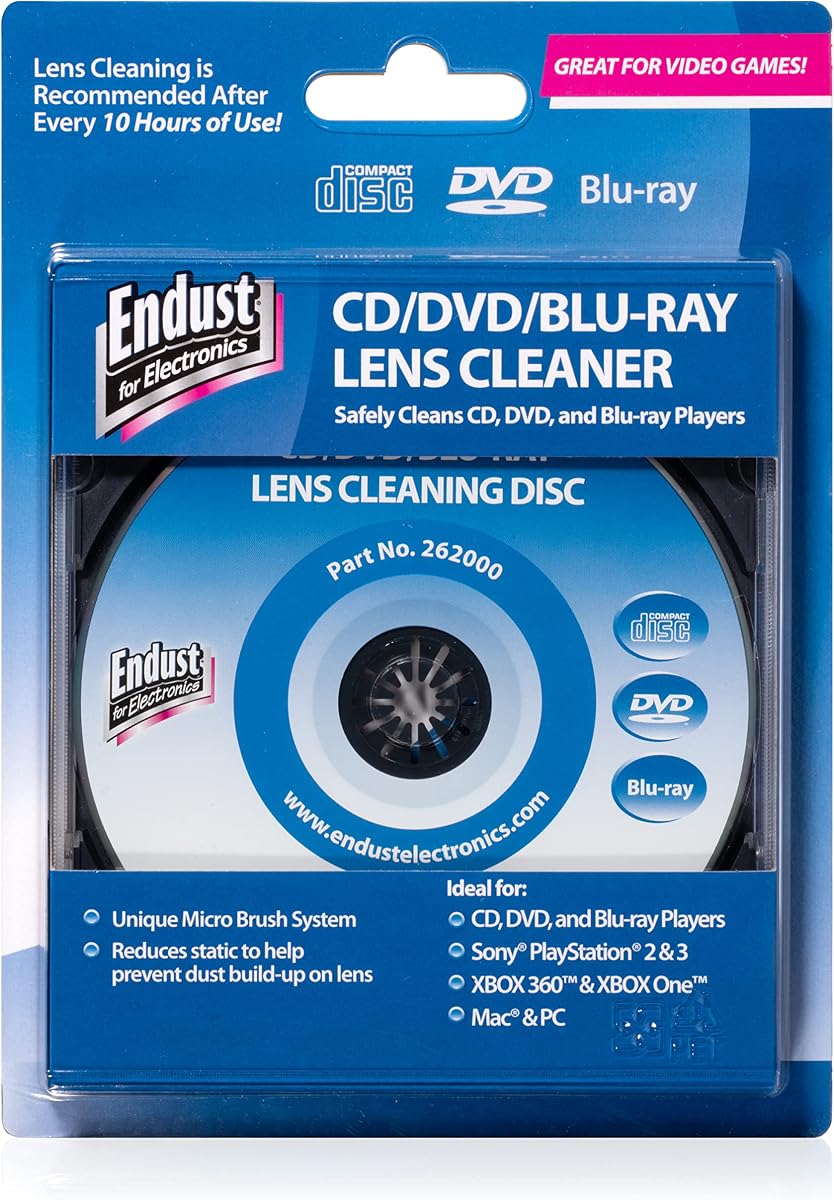
The Endust for Electronics CD/DVD/Blu-Ray Lens Cleaner, model 262000, carries a 4.3 rating and is designed to clean the lens of any CD/DVD-compatible device. It is also stated to support Blu-ray players, giving it broader optical-media coverage than several disc-only competitors.
We may earn a commission when you buy through this link, at no additional cost to you.
Its straightforward purpose is an important strength: removing dust and dirt from a disc player's lens. The product is positioned for office desktops, school environments, and home offices, where shared or frequently used optical drives may accumulate dust. A rating of 4.3 also places it among the strongest-rated products in this comparison.
The directions call for the device's audio to be turned on when the cleaning disc is inserted, because the product uses audible instructions. A buyer who cannot use sound during the procedure may find the experience less convenient. The listing also provides less detail about its internal brush arrangement than some competing products do.
Endust is a strong match for a home or office setup that includes more than one type of optical drive. It is particularly appealing to owners of a Blu-ray-capable device who want a cleaner explicitly listed for that format. Check the manual and confirm that the target device can play the cleaning disc before starting.
Support for CD, DVD, and Blu-ray devices makes this a convenient option for mixed media collections. That broader compatibility can be more valuable than a highly specialized cleaner when several optical-drive types are used in the same home.
The product uses the player's audio channel to provide operating instructions once the disc is inserted. This makes the process easy to follow for many users, although it makes an audible connection a practical requirement.
We may earn a commission when you buy through this link, at no additional cost to you.
The Maxell DVD-LC is a 4.2-rated lens cleaner with a highly specified cleaning system. Its Thunder on brush design uses ultra-fine synthetic fibers impregnated with copper, combining physical cleaning with a demagnetizing function.
We may earn a commission when you buy through this link, at no additional cost to you.
Maxell recommends cleaning a DVD player's lens after every ten hours of use and replacing the cleaner when the brush shows wear or after twenty uses. That level of guidance is helpful for owners who want a defined maintenance schedule rather than waiting for playback problems to appear.
Compatibility is unusually broad among the products in this guide. The listing supports Blu-ray players, all DVD players, computers and laptops with DVD drives, Xbox and Xbox 360 systems, and PS1 and PS2 gaming systems. PS3, PS4, and WiiU are explicitly excluded.
This disc is an excellent choice for someone who owns a compatible optical drive or an older game system and values a clearly explained cleaning process. Its stop-mode routine also keeps the procedure uncomplicated, although owners should remember that the disc is a consumable item with a recommended replacement point.
The ten-hour cleaning recommendation and twenty-use replacement guidance make it easier to maintain a schedule. Buyers who use an optical player regularly can therefore build disc-lens care into routine upkeep.
The cleaner supports Blu-ray, DVD, computer drives, and several older game systems. Its exclusions are also explicit, allowing owners to confirm compatibility before relying on the disc.
We may earn a commission when you buy through this link, at no additional cost to you.
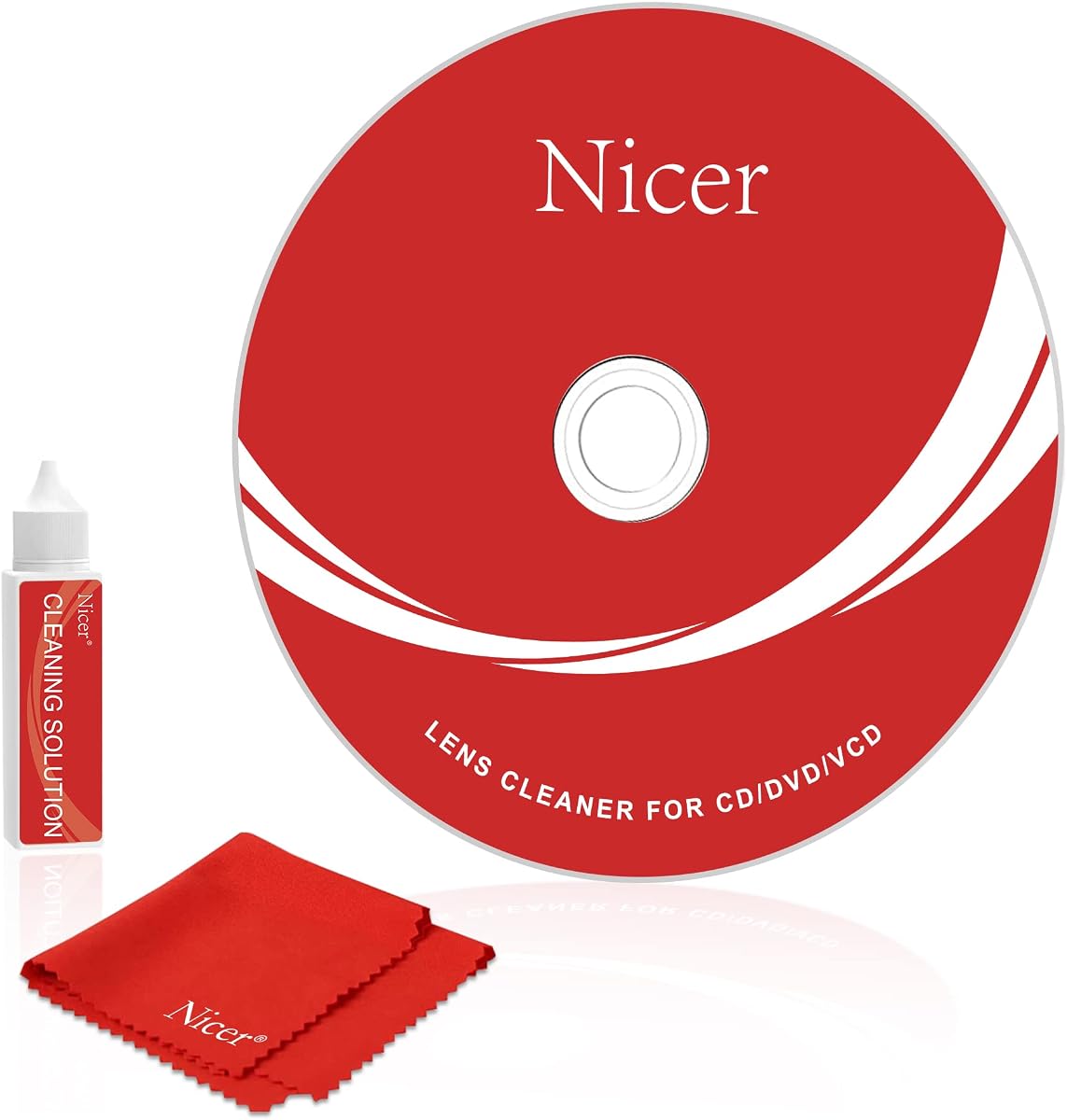
The Nicer Cleaner Kit NS-2 is a 4.1-rated maintenance kit for CD, VCD, and DVD equipment. It includes a CD cleaning disc, cleaning liquid, microfiber cloth, instruction manual, and a stated six-month after-sales service period.
We may earn a commission when you buy through this link, at no additional cost to you.
Voice guidance makes the cleaning process approachable, while left- and right-channel testing gives the routine a verification element. The complete process is stated to take three minutes, making it practical for owners who want a short maintenance session rather than a lengthy setup.
The product targets players that eject discs unexpectedly, stall during playback, display unclear pictures, or load slowly when the laser lens may be dirty. It can improve playback in cases where contamination is the underlying cause, but it cannot correct every hardware or disc-related playback problem.
Compatibility is limited to CD, VCD, and DVD equipment. PS1 through PS4 systems, Xbox systems, Wii and Wii U, and Bose players are not supported, and the listing does not explicitly claim Blu-ray compatibility. This makes the NS-2 best for a conventional player owner who values guided operation and included disc-care tools.
Voice prompts and a stated three-minute process reduce uncertainty during maintenance. Users can follow each stage without needing to interpret a complicated technical procedure.
Left- and right-channel testing adds feedback during the routine. This can help users confirm that the player is producing audio while the lens-cleaning disc is running.
We may earn a commission when you buy through this link, at no additional cost to you.
The Nicer Cleaner Kit NS-1 is a 4.0-rated cleaning kit designed for CD, VCD, and DVD equipment. It includes a laser-lens cleaning disc, microfiber cloth, instruction manual, and a stated six-month after-sales service period.
We may earn a commission when you buy through this link, at no additional cost to you.
Its defining advantage is speed. The complete cleaning process is stated to take only one and a half minutes, while voice guidance and left- and right-channel testing help users follow the sequence and verify audio output.
The kit is intended to improve playback when a long-used player's laser lens has accumulated dust. Potential symptoms addressed in the listing include repeated ejection, stuck playback, unclear images, and slow loading. As with every lens cleaner, the result depends on dust being the actual cause of the problem.
The main omission is liquid cleaner. Unlike the NS-2, this package does not include a bottle of cleaning fluid, although the microfiber cloth can be used for CD disc care. Console support is also excluded, so the NS-1 is best suited to a compatible standalone optical player and users who prioritize a quick routine.
The one-and-a-half-minute procedure is ideal for owners who want consistent care without a lengthy interruption. Voice prompts further reduce the chance of skipping a step.
The NS-1 is designed for CD, VCD, and DVD equipment rather than the game systems listed as unsupported. Confirming the target device before purchase helps prevent a compatibility mismatch.
We may earn a commission when you buy through this link, at no additional cost to you.
The Maxell CD & DVD Quick Wipes are a 4.3-rated pack of 20 soft, non-abrasive wipes intended to remove dirt, dust, smudges, and fingerprints from CDs and DVDs. They are designed for routine media maintenance rather than cleaning the lens inside a player.
We may earn a commission when you buy through this link, at no additional cost to you.
Their main convenience is simplicity. There is no disc to insert, no playback sequence to follow, and no risk of using a lens-cleaning disc in an unsupported console. The individual wipes are suitable for quickly cleaning discs before or after viewing and for keeping a collection free from visible contamination.
Although dirty disc surfaces can contribute to skipping, this product does not clean the laser lens. It therefore should not be selected as the primary solution for a player that loads slowly, freezes, or suffers persistent optical pickup problems. The listing itself points readers toward a separate lens-cleaning product for players and game consoles.
This pack is a strong companion for anyone who already owns a suitable lens cleaner or whose main concern is keeping individual discs clean. It is especially useful for households with frequently handled discs, although owners should continue to use it only on the disc surface.
Each wipe is designed to lift dirt, dust, smudges, and fingerprints without requiring a powered player. The format suits quick cleaning of discs before playback or as part of routine collection care.
A 20-wipe pack provides more repeated-use capacity than a single lens-cleaning disc. Soft, non-abrasive material is also presented as a safer choice for routine disc maintenance.
We may earn a commission when you buy through this link, at no additional cost to you.
The Allsop Ultra ProLens Cleaner, model 23321, is a 4.1-rated optical-lens cleaning product for DVD drives, CD drives, and game players. Its eight-brush carbon system is designed to remove static buildup and help prevent skipping.
We may earn a commission when you buy through this link, at no additional cost to you.
The eight-brush arrangement provides a clear technical distinction from simpler cleaners. By combining physical contact with carbon-based components, the product is positioned to address debris and static that can interfere with a player's ability to read discs consistently.
The listing gives fewer operating details than many of the competing products. It does not provide a full device list, cleaning duration, replacement schedule, or detailed package contents, so compatibility should be confirmed with the seller or manufacturer before use. The product is not presented as a routine disc-surface wipe system.
Allsop is a good fit for a user who specifically wants a multi-brush lens-cleaning system for a compatible drive or game player. Those who require a clearly stated compatibility chart, guided routine, or bundled maintenance supplies may prefer one of the more extensively documented options in this guide.
The multi-brush carbon system targets dust and static buildup around the optical pickup. This gives the product a distinct cleaning mechanism for owners seeking more than a basic wipe.
The cleaner is designed to help prevent skipping by reducing buildup on the lens. It is most relevant for compatible drives and game players rather than for cleaning fingerprints from disc surfaces.
We may earn a commission when you buy through this link, at no additional cost to you.
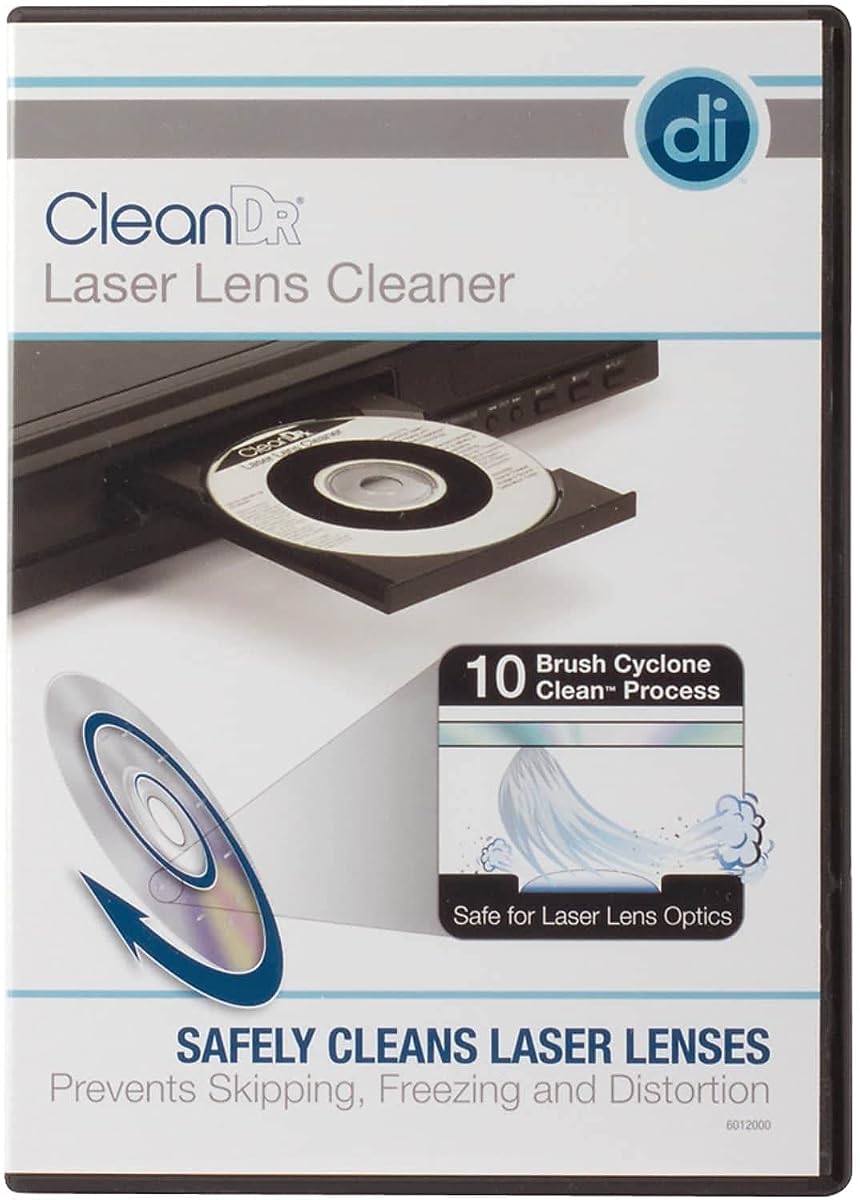
The Digital Innovations 60120-00 CleanDr is a 4.2-rated laser-lens cleaner for CD and DVD players experiencing slow loading, skipping, or freezing. Its exclusive ten-brush Cyclone Clean Process uses three stages to remove dust, dirt, and debris from the optical lens.
We may earn a commission when you buy through this link, at no additional cost to you.
The multi-stage process is the product's defining strength. It is also described as demagnetizing the lens while removing contaminants, offering a more elaborate cleaning approach than a single-brush disc. The stated goal is to improve sound and image quality while helping extend the useful life of the player.
Compatibility requires care. The cleaner supports CD and DVD players, computers with CD or DVD drives, Xbox and Xbox 360 systems, and PS1 and PS2 systems. It is not recommended for multi-disc CD or DVD players, Blu-ray players, WiiU, Xbox One, or PS3 and PS4 systems.
CleanDr is a well-specified choice for owners of a compatible single-disc player, optical computer drive, or supported legacy game system. The ten-brush, three-stage design is attractive for people who want a thorough lens-cleaning routine, provided the target device is not among the stated exclusions.
The Cyclone Clean Process applies ten brushes in a three-stage sequence. This structured approach is designed to lift dust and debris while demagnetizing the laser lens.
Digital Innovations does not recommend the cleaner for multi-disc CD or DVD players. Owners of multi-disc changers should verify compatibility before starting a cleaning cycle.
We may earn a commission when you buy through this link, at no additional cost to you.
The right cleaner depends on the device, the type of contamination, and how much guidance you want. These factors help distinguish laser-lens maintenance from disc-surface cleaning and make compatibility easier to verify.
Start with the exact type of player or drive you own. Optical-disc cleaners differ significantly in their supported formats, and the listings in this guide include exclusions for Blu-ray players, modern consoles, multi-disc changers, and some game systems. A CD, VCD, or DVD designation does not automatically mean every console is safe. The Maxell DVD-LC supports several older game systems but excludes PS3, PS4, and WiiU, while the Digital Innovations CleanDr excludes modern systems and multi-disc players. The Endust cleaner has the broadest explicitly stated format coverage among the highlighted products, including Blu-ray.
Check the full compatibility list before buying, and do not rely on a product's generic disc-player description. If your equipment is not named, look for a cleaner with explicit support or contact the seller for confirmation.
A laser-lens cleaner is inserted into a player and cleans the optical pickup from inside the device. A disc wipe cleans fingerprints, dust, and smudges on the physical surface of CDs or DVDs. Both can help playback, but they address different sources of contamination. Maxell Quick Wipes are entirely disc-surface products, whereas the Arsvita, Nicer, Maxell DVD-LC, Allsop, Digital Innovations, and Endust products are intended to clean player lenses.
Choose a lens cleaner for slow loading, persistent skipping, freezing, or reading difficulty caused by a dirty pickup. Choose wipes for visibly dirty discs and routine handling marks. Many owners eventually benefit from both types of maintenance.
A more detailed mechanism is not automatically better, but it can provide a clearer indication of how a cleaner works. The Arsvita products use a two-brush process, Allsop uses eight carbon brushes, and Digital Innovations uses ten brushes across a three-stage Cyclone process. Maxell DVD-LC uses ultra-fine synthetic fibers impregnated with copper for cleaning and demagnetization, while Nicer products use guided audio programs.
Look for a method that clearly states what it removes and how the cleaning cycle works. The most credible products also explain what they can improve, such as loading speed, playback consistency, or sound and image quality.
Guided operation can make maintenance easier, particularly for a device that has not been cleaned before. The Nicer NS-2 uses voice guidance and left- and right-channel testing during a stated three-minute process, while the NS-1 completes a stated one-and-a-half-minute routine. Endust also directs users to turn on the device's audio for operating instructions after insertion.
Short routines are convenient, but the instructions should still be followed in full. Do not stop a cycle early unless the product's own guide instructs you to do so. An audible or visual guide is useful when the cleaner's progress is otherwise difficult to judge.
Accessories can make a small cleaning kit more useful for regular maintenance. The Arsvita ARCD-04 includes two cleaning-fluid bottles, a cloth, and a manual; the ARCD-02 includes one fluid bottle; and the NS-2 includes liquid, a microfiber cloth, and a manual. The NS-1 provides a cloth but no liquid. The Arsvita CD Laser Lens Cleaner Set also includes a cloth and manual, although no fluid.
Compare the contents rather than assuming all lens cleaners provide the same support. Extra fluid and a dedicated cloth can be useful for both the player and its discs, but they do not replace the need to confirm player compatibility.
A laser-lens cleaner is a maintenance tool with a useful life, not a permanent part of the player. Maxell DVD-LC provides a specific recommendation to clean the lens after every ten hours of use and replace the disc when the brush shows wear or after twenty uses. A defined schedule is especially useful for heavily used office drives or gaming systems.
For products without published replacement guidance, track visible wear and follow any instructions included with the disc. Replace a cleaner when its brushing surface is visibly degraded rather than expecting unlimited use.
Most laser cleaners are marketed toward slow loading, skipping, freezing, dropped audio, distorted video, or unclear images. These symptoms can also result from damaged discs, mechanical transport problems, failing drives, or faults elsewhere in the player. A cleaner addresses dust accumulation but cannot repair a damaged laser assembly or worn drive mechanism.
If several different discs consistently fail, inspect them for scratches, cracks, or surface residue. If one disc fails while others work, clean the lens and the disc surfaces. If every disc struggles or the mechanism makes unusual noises, professional service is more appropriate than repeated cleaning.
The most effective approach combines sensible handling with periodic maintenance. Store discs in their cases, avoid touching the data surface, and clean fingerprints when they appear. Keep the lens cleaner on a schedule suited to how often the player is used, and never use a product in a device that appears damaged or has a loose, jammed, or visibly dirty mechanism.
Routine care also means separating the two jobs. Wipe discs directly, clean the lens with a compatible disc-based cleaner, and keep liquids away from the player opening. This simple separation prevents accidental damage and makes troubleshooting easier.
Begin by identifying the player and confirming that the cleaner is explicitly compatible. Read the included instructions, clean the disc's surface if needed, and inspect the player tray and lens area for visible dust. Do not use a lens cleaner in a multi-disc player, unsupported console, or device with a damaged, jammed, or unstable mechanism.
For a disc-based lens cleaner, insert it exactly as directed. Some products use a short playback routine, while others ask the user to stop playback for a cleaning-only cycle. Maxell DVD-LC specifically instructs users to place the graphics side up and arrow forward, play the video, and press stop before removing the disc. Keep the player audio enabled when a product uses spoken guidance.
After cleaning, remove the disc carefully, return it to its case, and test several known-good media items. If skipping or freezing continues, clean the discs themselves with a non-abrasive wipe and consider professional service. Maintain the cleaner according to the manufacturer's schedule, and keep all moisture and cleaning fluid away from the player itself.
A CD and DVD player cleaner is usually a special disc that runs inside a compatible player to remove dust and debris from the laser lens or optical pickup. Some products also include fluid and a cloth for cleaning disc surfaces. It is intended to improve problems such as slow loading, skipping, freezing, and interrupted sound or video when contamination is the underlying cause.
It may help if the loading problem is caused by dust on the laser lens. A cleaner cannot repair a damaged laser, jammed transport, failing motor, or other mechanical fault. Test several undamaged discs after cleaning, and arrange service if the problem remains or is accompanied by unusual noises or physical damage.
Only when the manufacturer explicitly lists the console as compatible. Some products support Xbox, Xbox 360, PS1, and PS2 systems, while many exclude PS3, PS4, Xbox One, newer Xbox models, Wii, and Wii U. Check both the supported and unsupported device lists before inserting a cleaning disc.
Lens cleaner discs are inserted into a compatible player to clean dust from the internal optical pickup. CD and DVD wipes are used directly on the disc surface to remove fingerprints, dirt, dust, and smudges. Cleaning both surfaces can be useful, but a wipe cannot clean the laser inside a player.
The appropriate interval depends on use and environment. Maxell DVD-LC recommends cleaning after every ten hours of use and replacing the cleaner after twenty uses or when its brush shows wear. Players used in dusty offices, schools, or homes with pets may need more frequent attention than lightly used units.
Some do, but many disc-based cleaners are intended only for CD, VCD, and DVD systems. The Endust for Electronics lens cleaner explicitly lists Blu-ray compatibility, and Maxell DVD-LC also includes Blu-ray players among its supported devices. By contrast, Digital Innovations does not recommend its CleanDr for Blu-ray players.
Yes, when dust or debris is interfering with the player's ability to read the disc. Cleaner optics can reduce dropped audio, distorted video, slow loading, and freezing in affected machines. It will not correct problems caused by damaged media, an aging laser, loose connections, or mechanical failure.
No. Compatibility should be confirmed before use, particularly for multi-disc changers, game consoles, and Blu-ray equipment. The product guide may specify general CD or DVD support while excluding particular devices, so reading the full list is more reliable than assuming that any disc-based cleaner will work.
The Arsvita ARCD-04 stands out as the most complete conventional-player kit, combining a two-brush lens cleaner with two cleaning-fluid bottles, a cloth, and instructions. The Arsvita ARCD-02 offers a similar but simpler bundle, while the Endust lens cleaner provides broad CD, DVD, and Blu-ray compatibility for users who want one disc across several optical device types.
Prioritize exact device compatibility, the type of dirt you need to remove, and the clarity of the cleaning procedure. A guided short routine may be easiest for occasional maintenance, while a multi-brush system may appeal to owners of heavily used drives. Keep Maxell Quick Wipes in mind for disc surfaces, but do not mistake them for an internal lens-cleaning solution.
Product availability, included contents, and current listings can change, so confirm the specifications and accessories on the product page before buying. Most importantly, use the cleaner only as directed and seek professional service when playback failures persist after a suitable cleaning and disc check.