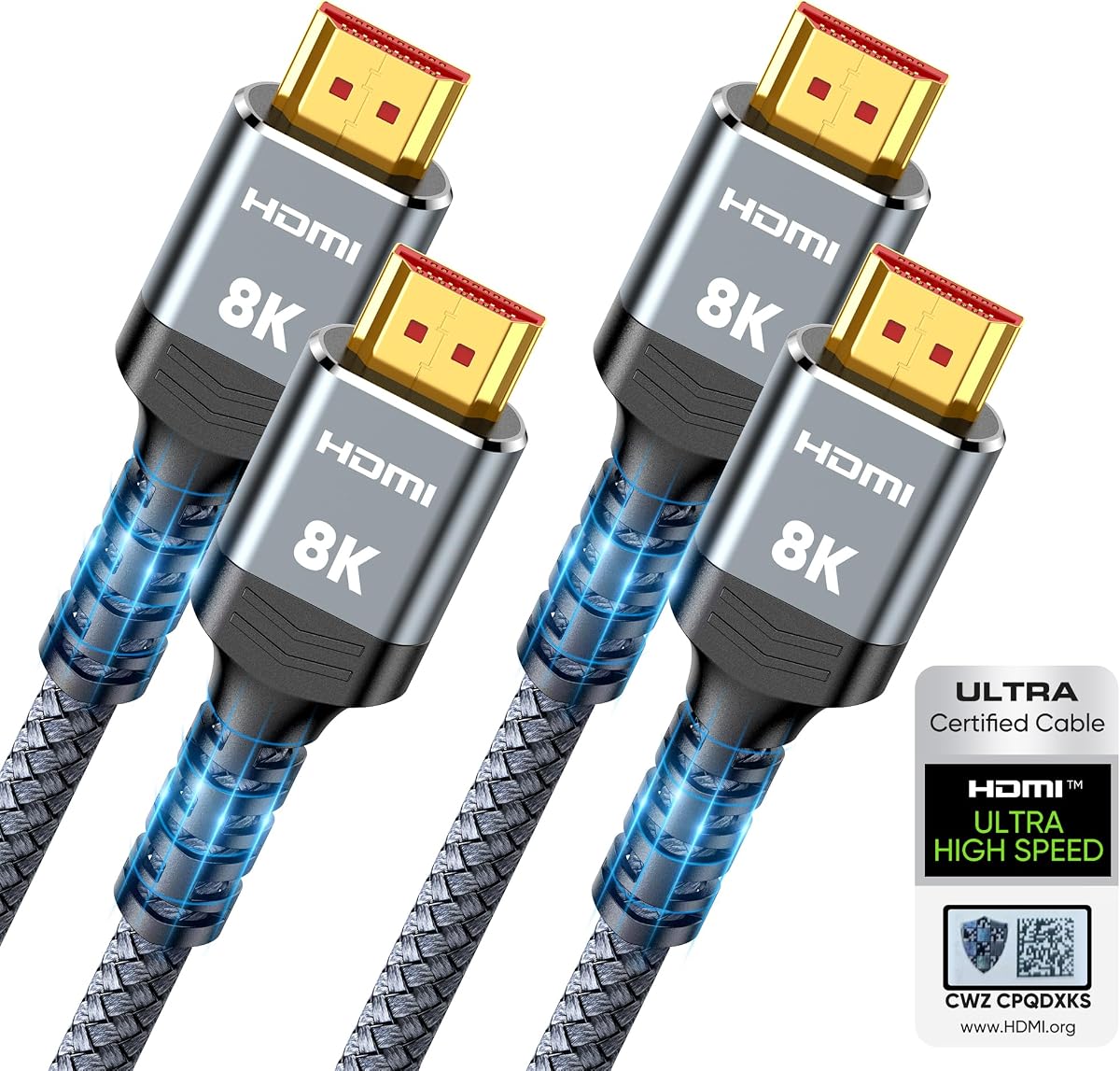
Highwings 8K HDMI 2.1 Cable 2-Pack
4.7Editor score
Two 6.6-foot cables
48Gbps Ultra High Speed
4K high-refresh gaming
Our HDMI Cable for Dual Monitors guide compares 10 options for bandwidth, length, gaming features, durability, and reliable multi-monitor connections in 2026.
Connecting two monitors starts with finding the right cable, but bandwidth, length, connector direction, and display capabilities can quickly complicate the decision. A good HDMI cable for dual monitors should provide a stable signal, fit your desk layout, and support the resolution and refresh rate used by both displays.
We compared ten relevant products using their stated bandwidth, supported resolutions, refresh rates, cable length, construction, compatibility, and practical multi-monitor relevance. The list includes native HDMI-to-HDMI options, HDMI 2.1 models for demanding displays, a longer 4K cable, and DisplayPort-to-HDMI adapters for mixed-source setups.
Each review identifies the product's strongest use, its important limitations, and the systems it suits best. Ratings and specifications reflect the supplied product information, while current prices and availability can change, so readers should verify the latest listing details before ordering.
4.7Editor score
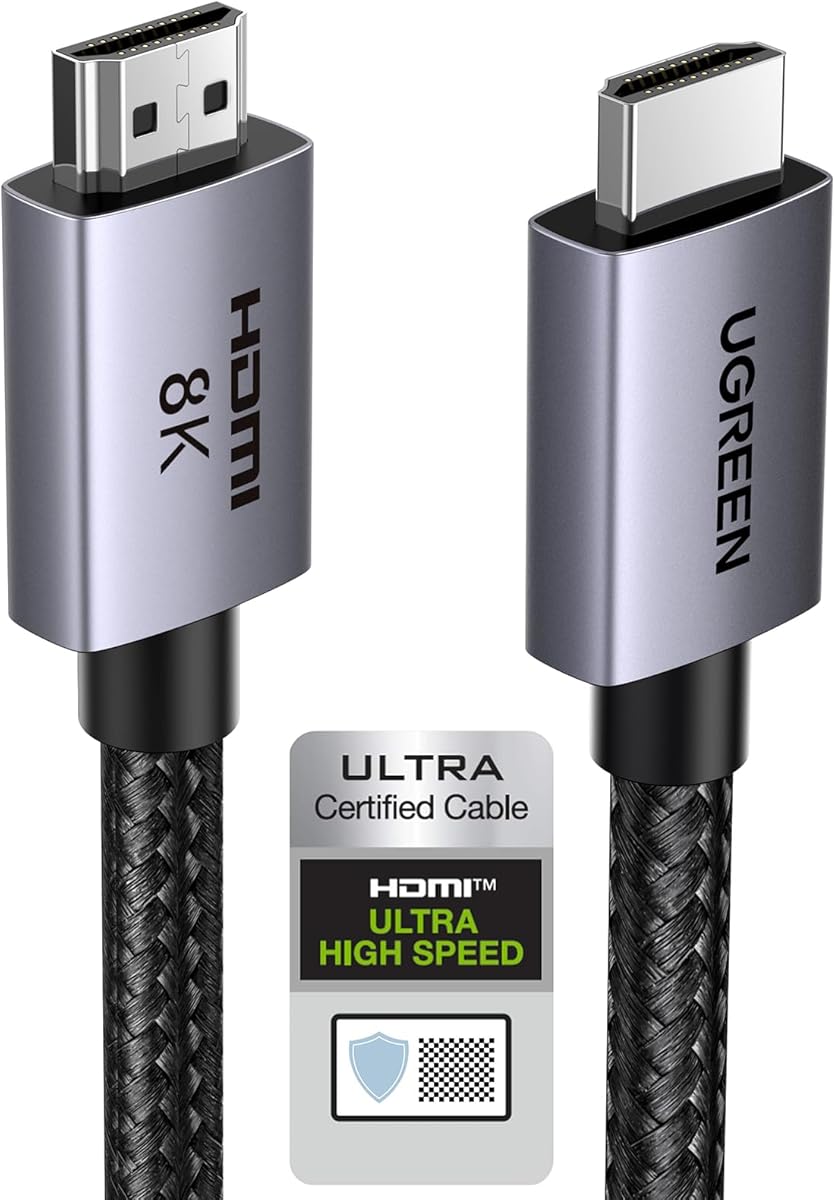
4.8Editor score

4.6Editor score
This side-by-side comparison highlights the connector type, bandwidth, maximum stated resolution, refresh-rate support, and practical role of each cable in a dual-monitor setup.




The Highwings 8K HDMI 2.1 Cable 2-Pack is a practical choice when two monitors need matching connections. It carries a 4.7 rating and includes two 6.6-foot cables, eliminating the need to hunt for a second matching lead after the first display is installed. The listed 48Gbps bandwidth provides ample headroom for modern high-resolution displays.
We may earn a commission when you buy through this link, at no additional cost to you.
Its stated capabilities include 8K at 60Hz, 4K at 120Hz and 240Hz, 5K support, and variable refresh rate on compatible hardware. The aluminum alloy shells and anti-bending tail design are intended to withstand routine handling, while the stated military-grade tensile nylon adds further protection. That combination makes the pack appealing for a desk where both cables may be moved or routed frequently.
The main uncertainty is certification transparency. Although the title calls the cables Certified Ultra High Speed, the supplied description does not explain whether each unit has a traceable certification mark or how consumers can verify it. The broad 10K capability also should not be confused with guaranteed 10K operation on every source, display, graphics card, or adapter.
This is the best-value pick for most buyers because it provides two cables at a practical length with performance far beyond a basic 4K cable. Choose it when both displays have HDMI inputs, the computer has available HDMI outputs, and you want a straightforward two-cable solution for gaming, productivity, or general desktop use.
The two-pack directly addresses the defining requirement of a dual-monitor setup: connecting two sources to two displays without mismatched cable lengths or capabilities. At 6.6 feet, each lead offers useful routing flexibility for monitors placed on stands, wall mounts, or separate desk sections.
Support for 4K at 120Hz and 240Hz makes this package relevant to compatible gaming monitors and current graphics hardware. Variable refresh rate support can also be valuable when paired with displays and source devices that implement the feature correctly.
We may earn a commission when you buy through this link, at no additional cost to you.
The Silkland Certified HDMI 2.1 Cable is a feature-rich single-cable option for users who want documented certification and a broad range of display capabilities. Its 4.7 rating is supported by a product description that emphasizes 48Gbps bandwidth, braided construction, copper cores, and ferrite magnetic beads.
We may earn a commission when you buy through this link, at no additional cost to you.
The cable claims support for 10K, 8K at 60Hz, 5K at 120Hz and 90Hz, 4K at 144Hz and 120Hz, and 2K at 240Hz and 165Hz. It also includes support for 12-bit color, dynamic HDR, Dolby Atmos, DTS:X, ARC and eARC, HDCP 2.2 and 2.3, and HDMI standards ranging from 2.1 back to 1.1.
One notable detail is the QR-code verification method, which gives buyers a way to check certification rather than relying only on packaging language. Conversely, the extensive feature list requires compatible source devices, displays, and speakers. A cable alone cannot enable 8K, high-refresh gaming, dynamic HDR, or advanced audio formats on equipment that does not support them.
This cable is a strong choice for a single high-end monitor or for a dual setup when paired with another identical lead. It is particularly attractive to users who value verifiable certification, gaming bandwidth, HDR support, and broad backward compatibility in one cable.
The QR-code verification system is a meaningful differentiator for buyers concerned about the gap between nominal HDMI 2.1 labeling and certified performance. Checking the cable before installation can provide added confidence, although connected equipment must still support the desired mode.
Dynamic HDR, 12-bit color, eARC, Dolby Atmos, and DTS:X coverage make this cable useful beyond basic office setups. It can suit a desk where one display is used for HDR gaming and another handles general productivity.
We may earn a commission when you buy through this link, at no additional cost to you.
The Acer HDMI 2.1 Cable combines a 6.6-foot length with 48Gbps bandwidth and broad device support. It holds a 4.7 rating and is presented as a general-purpose connection for TVs, computer monitors, projectors, consoles, streaming devices, and laptops.
We may earn a commission when you buy through this link, at no additional cost to you.
Its stated video support includes 8K at 60Hz and 4K at 240Hz, 120Hz, and 144Hz, while retaining compatibility with 4K at 60Hz, 2K, and 1080p. The cable also supports eARC and ARC, Dolby Vision, Dolby Atmos, and variable refresh rate where the connected equipment allows those functions.
Its high-purity copper core, aluminum alloy shell, and braided jacket are intended to resist electromagnetic interference, bending, and normal wear. One limitation is that it is a single cable. Buyers who require exactly two matching leads may prefer the Highwings pack, while those needing one exceptionally flexible cable can use this model for either display.
The Acer cable is a good fit for a mixed dual-monitor workspace where one screen may support high-refresh PC gaming and the other may be connected to a console or streaming device. It is also a sensible choice for projectors and televisions because of its stated audio-return support and generous device compatibility.
Compatibility with PS5, Xbox Series X, gaming monitors, TVs, projectors, streaming boxes, PCs, and laptops makes this a flexible option for a multi-purpose desk. Users can standardize on one cable type without moving to a DisplayPort adapter for every device.
High refresh rates and variable refresh rate support cover the gaming side, while eARC and ARC expand its usefulness with soundbars and home-theater equipment. These features work only when the source, display, and audio system are compatible.
We may earn a commission when you buy through this link, at no additional cost to you.
The UGREEN 8K HDMI 2.1 Cable 48Gbps 6.6FT is the strongest all-around recommendation in this guide. Its 4.8 rating is the highest listed among the products, and the supplied details combine certified HDMI 2.1 performance, broad compatibility, and a construction designed for repeated use.
We may earn a commission when you buy through this link, at no additional cost to you.
The cable claims support for 10K, 8K at 60Hz, and 4K at 240Hz. Its 48Gbps bandwidth is more than twice the stated bandwidth of HDMI 2.0, giving compatible systems considerable headroom. Dynamic HDR, 12-bit color, eARC, HDCP 2.3 and 2.2, Ethernet, 3D, variable refresh rate, quick media switching, and automatic low-latency mode add further flexibility.
Its aluminum alloy case, nickel-plated connectors, and nylon braided jacket are intended to survive frequent bending without making the cable unnecessarily stiff. That durability is especially relevant in dual-monitor setups, where leads may run behind stands, through desk channels, or around mounting arms. The cable also supports a wide range of consoles, computers, displays, projectors, receivers, and streaming devices.
The only notable drawback is that this listing provides one cable rather than a two-pack. Even so, it is the best overall choice for a buyer who wants a certified, flexible, high-performance connection and already owns a second matching cable. For a complete new installation, the Highwings bundle may offer better convenience.
The stated HDMI 2.1 certification and 48Gbps bandwidth give this cable ample capacity for current high-resolution displays. That makes it a safer long-term choice than an 18Gbps cable when one of the monitors is capable of 4K high-refresh or 8K output.
The nylon braid, aluminum housing, and nickel-plated connectors suit installations where cables are handled or rerouted. A 6.6-foot length also provides more freedom than a short lead without introducing the greater cable-management complexity of a very long run.
We may earn a commission when you buy through this link, at no additional cost to you.
The Belkin Ultra HD HDMI 2.1 Cable is a premium branded option for users who value established cable engineering and a straightforward 6.6-foot connection. It has a 4.6 rating and is described as Ultra HD HDMI 2.1 certified with transfer speeds of up to 48Gbps.
We may earn a commission when you buy through this link, at no additional cost to you.
The cable supports 4K gaming at 120Hz, 8K at 60Hz, and 10K according to its stated specifications. Compatibility is listed for PS5, Xbox One, Xbox Series X, Apple TV, 4K HDR, HDR10, Dolby Vision, laptops, PCs, and MacBooks. This makes it a natural selection for a premium dual-screen desk combining gaming and streaming.
Its two-layer shielding is intended to protect internal wiring from damage and help guard against electrical stress. The main drawback is that it is sold as a single cable, so a complete two-monitor installation may require a separate matching purchase. Its stated 4.6 rating is also slightly lower than those of the leading products in this comparison.
Choose the Belkin when brand confidence, shielding, and a premium presentation matter alongside high-bandwidth performance. It is well suited to one or two displays used for high-end gaming, cinematic viewing, and general productivity, provided your source hardware supports the desired resolution and refresh rate.
The dual-layer shielding is the cable's clearest construction-focused feature. It is intended to protect delicate conductors, making the Belkin a sensible option for a fixed desk installation or a setup where the cable will be handled occasionally without sharp bending.
Dolby Vision, HDR, and high-resolution gaming support create a strong bridge between a modern console, streaming device, and dual-display workstation. Users should still confirm that every monitor offers the desired HDMI input and feature set.
We may earn a commission when you buy through this link, at no additional cost to you.
The UGREEN HDMI 2.1 Cable Certified 8K 6.6FT is a well-rounded high-speed option with a 4.7 rating. It provides the same headline 48Gbps bandwidth and 6.6-foot length as the newer UGREEN selection, making it a credible alternative when availability or listing preferences differ.
We may earn a commission when you buy through this link, at no additional cost to you.
The stated specification supports uncompressed 8K at 60Hz, 4K at 240Hz, 4K at 144Hz, and 4K at 120Hz. Dynamic HDR with 12-bit color and eARC for full-resolution audio add value for compatible displays and soundbars, while Ethernet support allows connected HDMI devices to exchange data.
Nickel-plated connectors and a nylon braided jacket are designed for repeated bending and longer service life. Compatibility spans television boxes, PS5, PS4 Pro, PS3, Roku, Nintendo Switch and Switch 2, Wii U, Xbox systems, laptops, PCs, Blu-ray players, receivers, projectors, and monitors.
This cable is best for a performance-focused desk where one or both monitors benefit from HDMI 2.1 features. The single-cable format is less convenient than a two-pack, and 8K or 240Hz output remains dependent on source hardware, graphics cards, adapters, and display specifications.
Six and a half feet is a practical middle ground for desktop placement, especially when monitors use stands or wall arms. It offers more routing freedom than a three-foot cable while remaining easier to conceal than many ten-foot alternatives.
eARC, dynamic HDR, and Ethernet support make the cable more versatile than a basic display lead. These functions require compatible equipment and can be particularly useful in a mixed work-and-entertainment dual-monitor arrangement.
We may earn a commission when you buy through this link, at no additional cost to you.
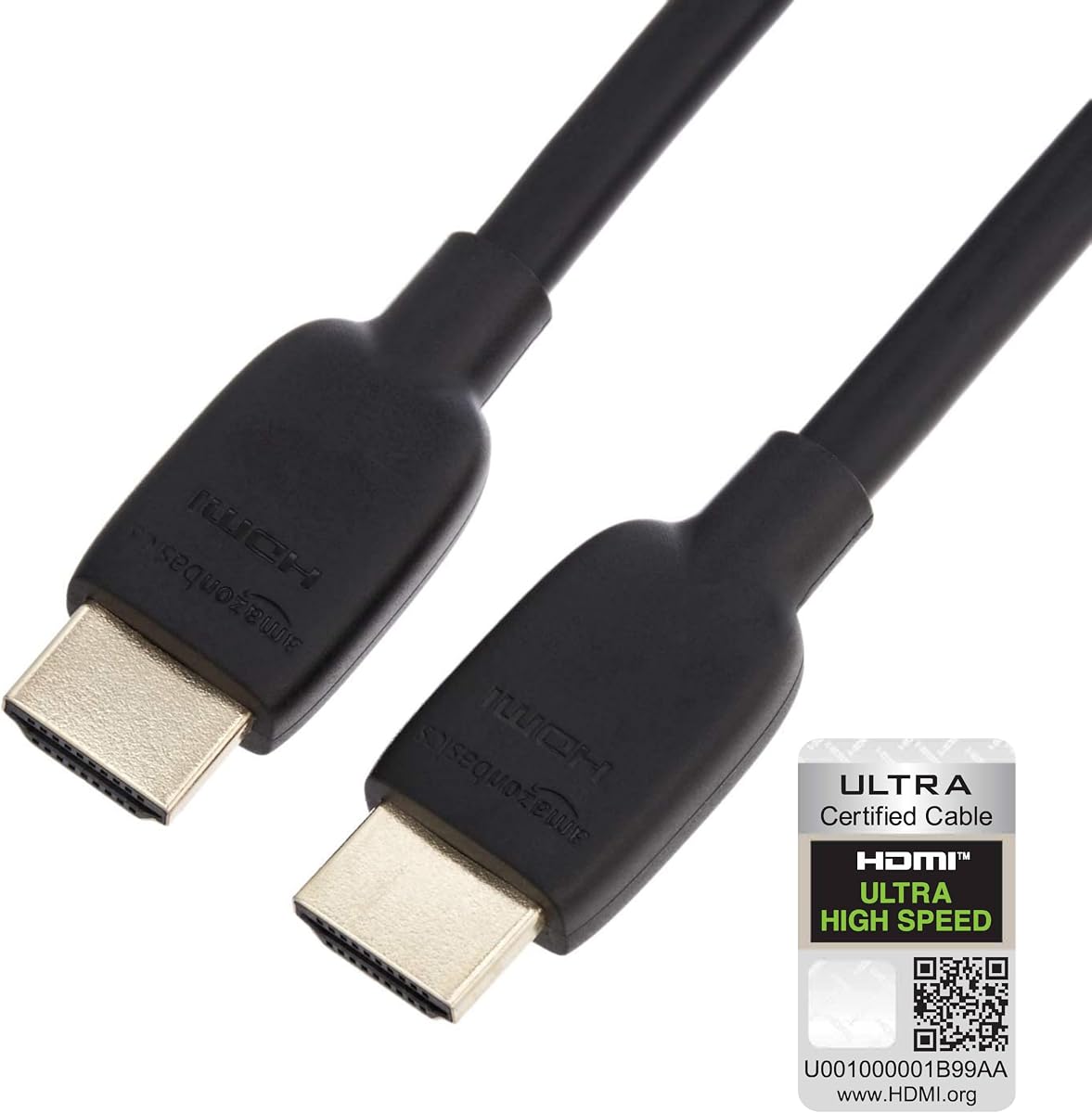
The Amazon Basics HDMI 2.1 Cable is a compact option for two monitors placed close to the computer. Its three-foot length reduces excess cable, while the listed 48Gbps bandwidth supports 8K at 60Hz and 4K at 120Hz.
We may earn a commission when you buy through this link, at no additional cost to you.
It is designed to connect tablets, laptops, and other host devices to projectors, video-conference systems, HDTVs, and monitors. Ethernet, 3D, and Audio Return Channel support broaden the feature set, while gold-plated connectors are intended to resist corrosion and abrasion.
The flexible PVC jacket makes this cable easy to manage beneath a compact desk. Unlike many braided alternatives, it prioritizes a simple, lightweight construction. Its main limitation is reach: three feet may be too short for larger desks, raised monitor stands, wall-mounted displays, or a computer positioned several feet away.
This is the best compact option when both screens sit immediately beside the host device. It also works well as a portable cable that can move between a laptop dock and desktop. If your arrangement needs more routing freedom or a matching second cable, consider a 6.6-foot option or two-pack instead.
A three-foot lead is particularly effective with compact monitor stands because it reduces the amount of cable hanging behind the display. It can also be easier to carry between office, meeting, and travel setups.
Despite its straightforward PVC construction, the cable offers the bandwidth needed for 8K 60Hz and 4K 120Hz output. It is therefore suitable for modern displays, provided the source computer offers the required ports and graphics support.
We may earn a commission when you buy through this link, at no additional cost to you.
The PowerBear 4K HDMI Cable is the practical long-reach option in this roundup. Its ten-foot length makes it useful when dual monitors sit on opposite sides of a wide desk, on a shared workstation, or near a wall that is farther from the computer than a six-foot cable can comfortably reach.
We may earn a commission when you buy through this link, at no additional cost to you.
The cable carries 18Gbps of transfer bandwidth and supports 4K at 60Hz, 2K, 1080p, 48-bit-per-pixel HDR, TrueHD 7.1 audio, ARC, and Ethernet. Its internal construction uses 30AWG copper wire, triple tin shielding, a double braided nylon exterior, and gold-plated connectors.
The important limitation is resolution. The supplied description explicitly says that this cable is not for 8K. It also lacks the 48Gbps bandwidth required for 4K at 120Hz and 240Hz, so it is better suited to office productivity, standard 4K media, and console gaming at the modes supported by the connected equipment.
Choose the PowerBear when cable reach is more important than high-refresh gaming. It is also a sensible companion for a mixed dual-monitor setup where one display handles 4K productivity and another operates at 1080p. For two 4K high-refresh gaming monitors, choose an HDMI 2.1 cable instead.
A ten-foot cable provides ample distance for wide desks and pulled-back monitor positions. That reach can reduce tension around the connectors and avoids forcing a short cable into a sharp bend just to reach the computer.
The cable focuses on stable 4K at 60Hz and broad everyday compatibility. It is a sensible productivity choice, but buyers who need 8K, 4K 120Hz, or 4K 240Hz should select a 48Gbps HDMI 2.1 model.
We may earn a commission when you buy through this link, at no additional cost to you.
The AVACON 4K DisplayPort to HDMI cable is intended for a specific mixed-port situation: a computer with DisplayPort output feeding a monitor, television, or projector that accepts HDMI. It has a 4.6 rating and a six-foot length suitable for many desktop arrangements.
We may earn a commission when you buy through this link, at no additional cost to you.
The cable uses DisplayPort 1.2 to HDMI 1.4 conversion and transmits in one direction only. It can carry high-definition audio and video, and it supports extended-desktop or mirrored-display configurations after the computer's display settings are configured. It cannot send an HDMI source signal to a DisplayPort-only monitor.
Maximum video resolution is 3840 by 2160 at 30Hz, with 1080p at 60Hz and several lower resolutions also supported. Audio pass-through covers uncompressed digital 7.1, 5.1, and 2-channel audio. These limits make it a productivity-oriented solution rather than a choice for modern high-refresh gaming.
This adapter is best when your computer has an unused DisplayPort output and one or both monitors have only HDMI inputs. For a dual-monitor arrangement, you will need a second adapter cable. If your monitors include DisplayPort, a native DisplayPort cable will usually be a simpler and more capable connection.
The adapter solves a common port mismatch in which a desktop or laptop offers DisplayPort but the displays provide only HDMI. It can be especially useful for extending a workstation across two older or externally connected monitors.
The signal moves only from DisplayPort source to HDMI display. Buyers must confirm the direction of their required connection before ordering, because the cable cannot reverse HDMI output into a DisplayPort input.
We may earn a commission when you buy through this link, at no additional cost to you.
The DisplayPort to HDMI Cable 6.6FT 2-Pack is purpose-built for buyers who need two matching DisplayPort-to-HDMI leads. Its listed 5.0 rating is the highest in the group, and the two-cable format closely matches the needs of a dual-monitor workstation.
We may earn a commission when you buy through this link, at no additional cost to you.
Each 6.6-foot cable supports 4K Ultra HD and 1080p output using DP 1.2 to HDMI 1.4 conversion. The package is intended for workstations, home offices, conference rooms, and productivity environments where two DisplayPort-equipped desktops or laptops must feed HDMI monitors or televisions.
The unidirectional design means each cable sends a signal from a DisplayPort source to an HDMI display. It does not support the reverse direction. While the listing mentions 4K support, it does not provide the same detailed 4K refresh-rate information as the certified HDMI 2.1 options, so demanding gaming users should verify requirements carefully.
This is the best matched pair for a dual setup in which both monitors have HDMI inputs but the host computer favors DisplayPort. Gold-plated connectors, aluminum housings, reinforced strain relief, braided nylon, and multilayer shielding give the package a practical construction. For 8K or high-refresh gaming, a native 48Gbps HDMI cable is the safer choice.
The two-pack removes the need to source a second matching adapter after installing the first display. It is convenient for offices, shared workstations, and dual-monitor home setups that use the same DisplayPort-to-HDMI arrangement for both screens.
The cable is optimized for 4K productivity, presentations, video conferencing, and multitasking. Its more limited specification makes it less attractive for systems requiring 4K at 120Hz, 4K at 240Hz, or 8K output.
We may earn a commission when you buy through this link, at no additional cost to you.
The right cable depends on your computer outputs, monitor inputs, resolution targets, refresh rates, cable routing, and audio needs. Check those requirements before focusing on any one cable length or headline bandwidth figure.
Summary: Prefer native HDMI whenever your source device provides the required outputs.
Summary: Match 48Gbps bandwidth to demanding displays, but verify every connected device supports the target mode.
Summary: For high-refresh gaming, confirm resolution, refresh rate, and variable refresh rate support across the entire chain.
Summary: Choose the shortest length that comfortably reaches, allowing room for stand movement and cable management.
Summary: Prioritize strain relief, shielding, and a jacket suited to your routing and handling habits.
Summary: Check HDR and audio-return features when your mixed entertainment setup depends on them.
Summary: Buy a two-pack when replacing both connections; buy one cable when replacing or extending an existing setup.
Summary: Use DP-to-HDMI only from a DisplayPort source, and choose native HDMI 2.1 for demanding display modes.
Before connecting anything, identify each source and display port, then plan a route that avoids walking paths, chair wheels, and sharp desk edges. Connect the cables directly to the computer or graphics card first, attach each lead to its intended monitor, and power on the displays. You can then choose extended-desktop or mirrored-display mode through the operating system's display settings.
After connection, verify the resolution and refresh rate selected for each monitor. Compatible high-bandwidth systems may expose 4K high-refresh or 8K options, while older docks or graphics cards may offer a limited selection. If a display appears unstable, reconnect the cable at both ends, try the other monitor input, and confirm that the chosen resolution does not exceed the capabilities of the source or cable.
For longer-term care, route cables through sleeves or clips, avoid hanging a monitor by its cable, and do not create tight bends immediately beside a connector. Disconnect by gripping the plug housing rather than pulling the wire. Keeping connectors free from dust and moisture helps maintain reliable contact, while periodic checks can reveal damage before it causes intermittent black screens or signal dropouts.
Matching cables are convenient but not always mandatory. Both monitors should support the resolution and refresh rate you intend to use, and the computer must have enough outputs for both connections. If one display has different requirements, you can use cables suited to each screen. For simple setup and easier future replacement, identical cables are usually preferable.
A standard HDMI cable connects one source to one display. Connecting two monitors to one port generally requires a splitter, which duplicates the same image rather than creating a separate extended desktop. For two independent displays, connect each monitor to a separate output on the computer, graphics card, or a compatible docking station.
It depends on the refresh rate. Two 4K monitors running at 60Hz can often work with an 18Gbps cable, but 4K at 120Hz or higher benefits from a 48Gbps HDMI 2.1 cable. You also need compatible source hardware and display inputs because the cable alone cannot exceed the capabilities of the connected devices.
The DisplayPort-to-HDMI cables in this guide are unidirectional. They carry a DisplayPort source signal to an HDMI display and do not carry HDMI output to a DisplayPort input. Before purchasing, confirm that the computer has DisplayPort output and that the monitor has HDMI input.
Choose the shortest length that reaches without straining the connectors. Three feet suits closely placed compact displays, while 6.6 feet gives more freedom around monitor stands and arms. A ten-foot cable can be useful for wide desks, though careful routing helps prevent tangles and accidental damage.
The cause may be an unsupported resolution or refresh rate, a loose connection, a damaged cable, or an adapter that cannot handle the selected mode. Test the cable directly with one display, try another input, and reduce the resolution or refresh rate. If the computer lacks enough outputs, confirm that you are not relying on an unsuitable splitter or adapter.
A cable with 48Gbps bandwidth and appropriate HDMI 2.1 certification has the necessary bandwidth, but actual output still depends on the graphics card, source device, display, and any intervening adapters or hubs. Mode support can also be limited by blanking or timing requirements. Check the specifications of every device in the connection chain.
Braided construction can be useful in setups where cables are moved, routed behind desks, or connected to adjustable monitor arms. It does not automatically make a cable perform better, so bandwidth and certification should remain the primary considerations. A shorter flexible cable may also be easier to manage if the monitors sit close to the computer.
The UGREEN 8K HDMI 2.1 Cable 48Gbps 6.6FT is the strongest overall choice because it combines the highest listed rating, certified high-speed performance, modern gaming support, broad compatibility, and durable construction. The Highwings two-pack is the best value option for building a complete two-cable installation, while the Belkin cable is the premium pick for buyers who prefer a recognized cable brand.
Prioritize the capabilities of the actual setup rather than the largest specification on the box. Confirm that your computer has enough outputs, both monitors support the intended resolution and refresh rate, and any DisplayPort adapter operates in the required direction. Cable length should then be selected for a tidy, strain-free route, with braided construction preferred for frequently handled setups.
Product ratings, listings, and prices can change over time, so review the latest specifications and current availability before purchasing. Checking the connector direction, mode support, and inclusion of one or two cables at the point of purchase can prevent the most common dual-monitor buying mistakes.